Your photo library, on your terms
Censored Gallery finds nudity in your photos, your videos and your live camera, and covers it before it reaches the screen.
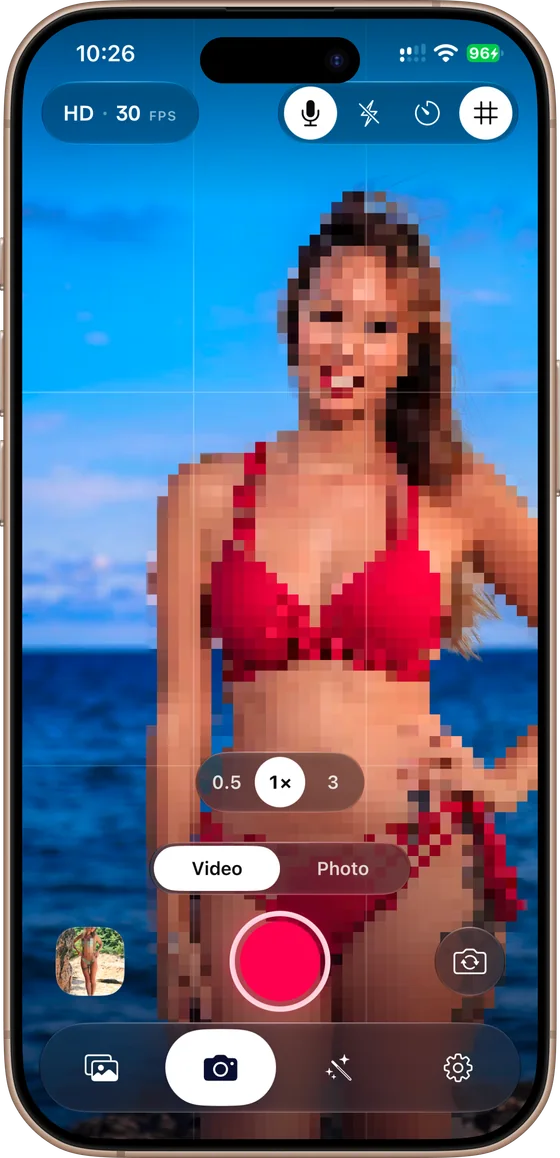
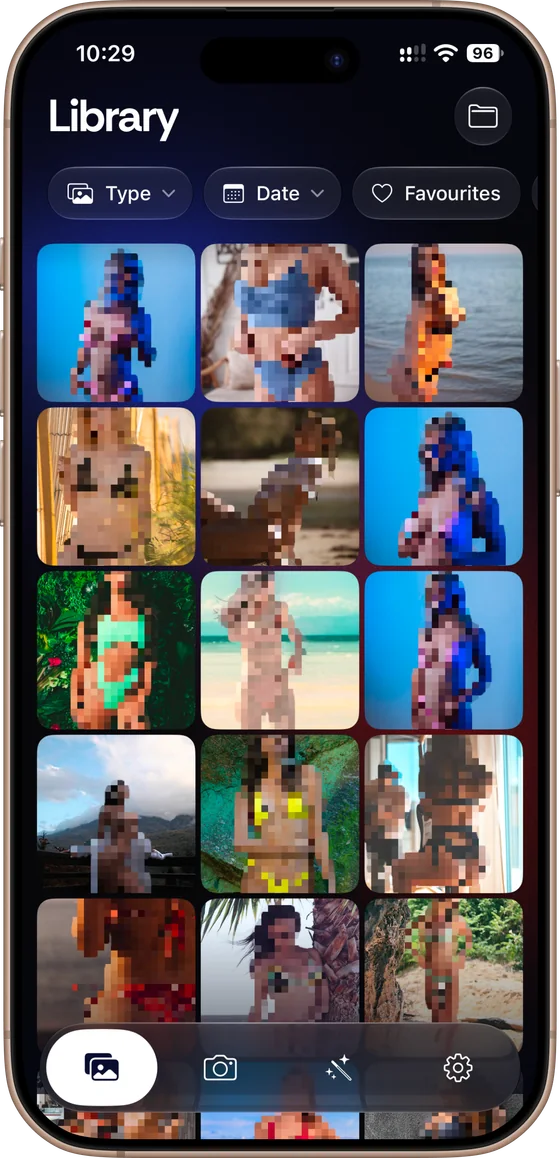
Censor photos and video on iPhone and Android
Pick a photo, a video or the live camera. Censored Gallery finds what to cover and censors it in the style you choose.
-
Censor a whole camera roll
Open your library and every photo and video is already censored as you scroll. Tap one to change how it is covered, or save a censored copy to share.
-
Censor as you shoot
The camera censors frames before they reach the screen, so a photo or a recording comes out censored — never a raw file you have to go back and fix.
-
Add text, stickers and captions
Put text, stickers or a freehand drawing over the censor and make the image your own. Edits are non-destructive, so the untouched original is always there.
Eleven ways to cover it
Pick what suits the picture — a plain black bar to get on with it, or something with more personality. Glitch, Noise and Oil Paint have a strength dial.
-
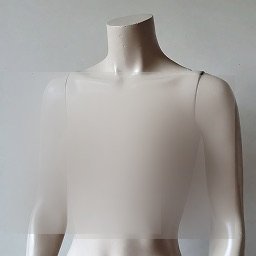 Blur
Blur
-
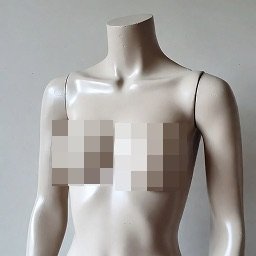 Pixelate
-
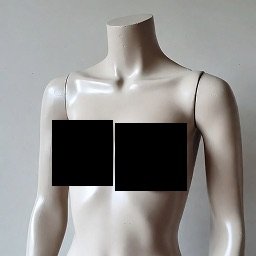 Black Bar
-
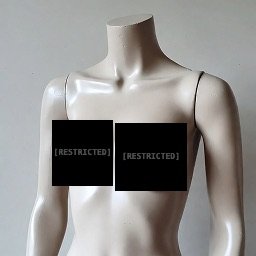 Redacted
-
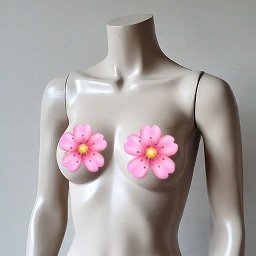 Sticker
-
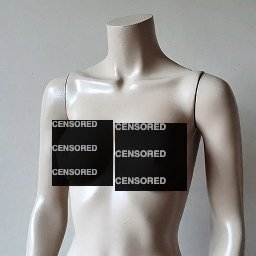 Word Wall
-
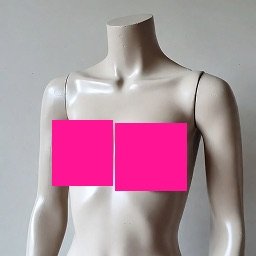 Colour Fill
-
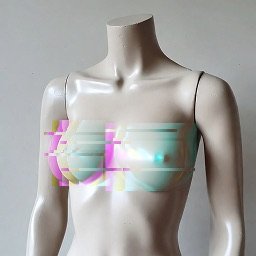 Glitch
-
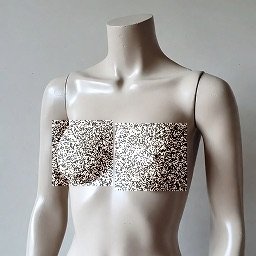 Noise
Noise
-
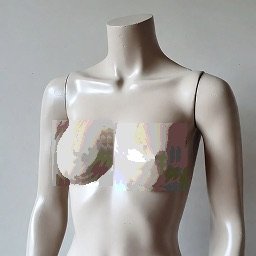 Oil Paint
-
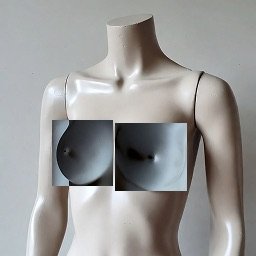 Colour Invert
There is also a silhouette mode, which covers the whole person rather than a region.
Nothing leaves your phone
Most apps that censor photos upload them to a server first. Censored Gallery cannot — there is nowhere for your pictures to go.
-
Photos are censored on your phone
The AI models are bundled inside the app and run on your phone’s own hardware, iPhone or Android. Nothing is uploaded, because there is no server to upload it to.
-
No account, ever
Nothing to sign up for and nothing to sign in to. Open the app and it censors — no email address, no password, no profile.
-
Data Not Collected
That is the App Store privacy label for the iPhone app, and it is literally true of both apps: no images, no detections, no settings, no analytics.
-
Prove it in ten seconds
Turn on aeroplane mode and censor a photo. It still works, because a censored photo app that needs a signal is one that is sending your pictures somewhere.
Questions
The things people ask before installing it.
Does it need an internet connection?
No. Everything runs on your phone, so it works in aeroplane mode exactly as well as anywhere else. Your photos never reach a server. The one thing the Android app does fetch is its own updates: a once-a-day check with this site, with nothing about your pictures attached.
What does it cost?
Nothing. There is no subscription, no account and nothing to cancel.
Does it change my original photos?
No. Edits are non-destructive, so you can revert at any time, and re-opening an edit starts from the untouched original rather than stacking a second censor on the first. Saving a censored copy creates a new file and leaves the original alone.
Does it work on videos?
Yes. Videos play with the censor applied as they run, and you can save a censored copy as a new file to share. The camera can record censored video with sound too.
Does it ever miss something?
Detection is very good, not perfect. Where it matters most it errs towards covering: while you browse, a photo stays covered until it has actually been checked, and one that fails to be checked stays covered rather than being shown.
Which devices does it run on?
iPhone and Android. The iPhone app comes from the App Store; the Android app is downloaded from this site and updates itself.
Can I censor what I browse as well?
Yes, with a second app. Censored Gallery covers what is already on your phone; DeniedPixels does the same for Safari, censoring pages as you read them. Same on-device detection, same rule about nothing leaving your phone.